 By the Smili Phone team
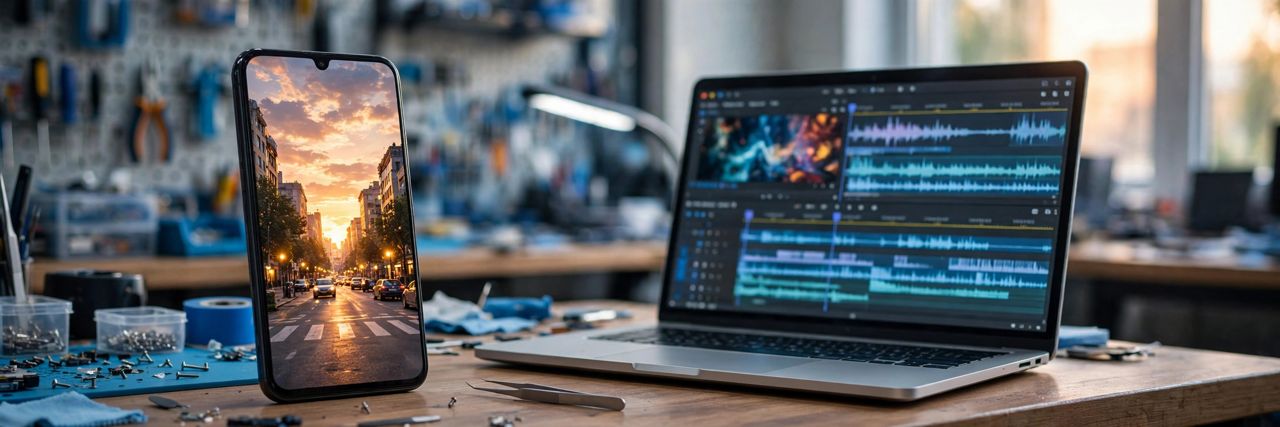
Google made Gemini Omni 1.2 Flash generally available on November 5, 2026, and the headline change is simple: AI video clips can now run up to 15 seconds, up from 10 seconds in the previous version. Fifteen seconds is still short, but it is long enough for a complete idea, a full product demo, or a short clip with a beginning, a middle, and an end. Ten seconds was a teaser. Fifteen seconds is a usable scene.
Omni is Google's model for generating and editing video with sound, and the new version runs across the Gemini API, Gemini for business, Google Flow, Google Vids, and the Gemini app.
Pick your length, second by second
The first change is control over duration. You can now set a clip length in one second steps, anywhere from 3 to 15 seconds. That matters more than it sounds. A five second clip for a social post and a 15 second clip for a quick explainer are different jobs, and you no longer have to accept a fixed length and trim it afterwards. Clips can also be upscaled to 1080p or 4K. Google says outputs carry its SynthID watermark, an imperceptible tag that marks the video as AI generated.
Edit by chatting, not starting over
The second change is multi-turn conversational editing, and for everyday users it may be the most useful one. Instead of regenerating a whole clip when something is off, you can refine the same clip with a follow-up message, the way you would ask a person to change one thing. Make the lighting warmer, swap the background, slow the camera down. The clip keeps what worked and changes what did not. You can also extend a clip by a few seconds at a time, up to 30 seconds in total.
Faces and products stay consistent
The third change is stronger reference following. Omni 1.2 Flash can work from up to six reference images, so a person, a product, or a style stays recognizable from one shot to the next. Google says faces, garments, and brand colors hold up better than before. That is the part that matters most for small businesses. A shop owner can keep the same product looking like the same product across a series of clips, instead of watching it change shape every time the model runs. Consistency is what turns a fun demo into something you can actually post.
Where you can use it today
Access depends on where you open it. In Google Vids, 15 second clips are included at no additional cost with a Google account or a Workspace subscription. In Flow, the longer clips and upscaling need a Google AI plan, and in the Gemini app they are rolling out to Google AI Ultra subscribers first. Developers get it through the Gemini API, where version 1.1 starts routing to 1.2 on December 3, 2026.
As with any new model, the honest advice is to test it on a small job first. Google published no benchmarks for the quality claims, so try a short clip, check it frame by frame, and only then build a longer sequence around it. If the newest AI tools are making your phone feel slow, that is usually a tired battery or full storage rather than the apps themselves. Bring it by our shop in Escondido and we can check it in person.
Related: Google Genie 4 builds worlds you can talk to · OpenAI models come to Google Cloud