 By the Smili Phone team
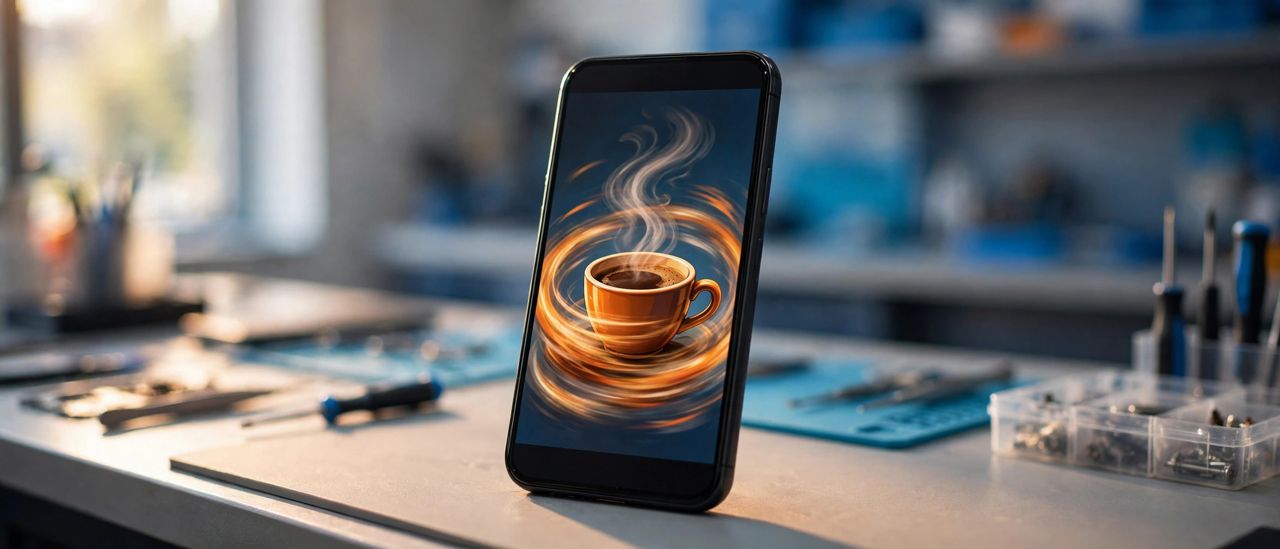
Your product photo can now move, and you do not need a video editor or a paid plan to make it happen. OpenAI launched ChatGPT Images 2.6 on November 4, 2026, and the headline feature is simple: it turns a still image into a looping GIF. The update is live in ChatGPT across every subscription tier, including the free plan, on desktop, mobile, and web.
The new version brings three changes you will notice right away. First, speed. OpenAI says images now generate 50 percent faster than before, so the wait between asking and seeing a result is noticeably shorter. Second, GIFs. You can animate a mascot, a product shot, or a simple sketch into a short loop, right inside a chat. Third, consistency. Characters, products, and brand details are meant to stay put as you edit, instead of slowly drifting with every revision.
What to try first
Start with a photo you already own. A clear product shot works best, because the model has something solid to animate. A simple prompt is enough to get going:
"Turn this product photo into a smooth looping GIF. Keep the product, label, and colors exactly as they are. Only the background light should move."
That kind of prompt tells the model what to change and what to leave alone, which matters more than fancy wording.
Once you have a loop you like, use it where a still photo used to go. A GIF works well in an email, on a product page, or in a social post, anywhere a little motion catches the eye without demanding a full video. Keep the loop short and gentle. A subtle movement reads as polished, while a wild animation reads as a gimmick.
Check the small print before you publish
AI image tools are good at the big picture and sloppy with the small details. A label, a logo, or a line of tiny text can come back misspelled or slightly warped, and the error is easy to miss at thumbnail size. Before you use a generated GIF anywhere public, open it at full size and read every word on it. If a customer spots a misspelled ingredient or a wrong phone number, the joke is on the business, not the tool.
Developers get a useful extra
If you have a developer on your team, the API version of Images 2.6 also exports SVG files. An SVG stays sharp at any size, from a tiny icon to a store banner, so one file works everywhere instead of a folder of resized copies.
Why this one is worth your time
Most AI announcements this year came with a catch: a new plan, a higher tier, or a waitlist. This one is different. The GIF feature is available on every ChatGPT plan, so the only cost is the time it takes to try it. That makes it a good first experiment if you have been curious about AI images but did not want to pay to find out whether they are useful.
Try it on one photo this week. Pick a product you sell, a dish you serve, or a service you want to show off, and turn it into a loop. If the result looks good at full size, you have a new tool for your marketing. If it does not, you have lost ten minutes, not a subscription fee. And if you want a second pair of eyes on the result, bring your phone by our shop in Escondido and we will take a look together.
Related: Google's AI Video Maker Now Makes 15 Seconds · AI Agents Score Only 12 Percent on Real Work