 By the Smili Phone team
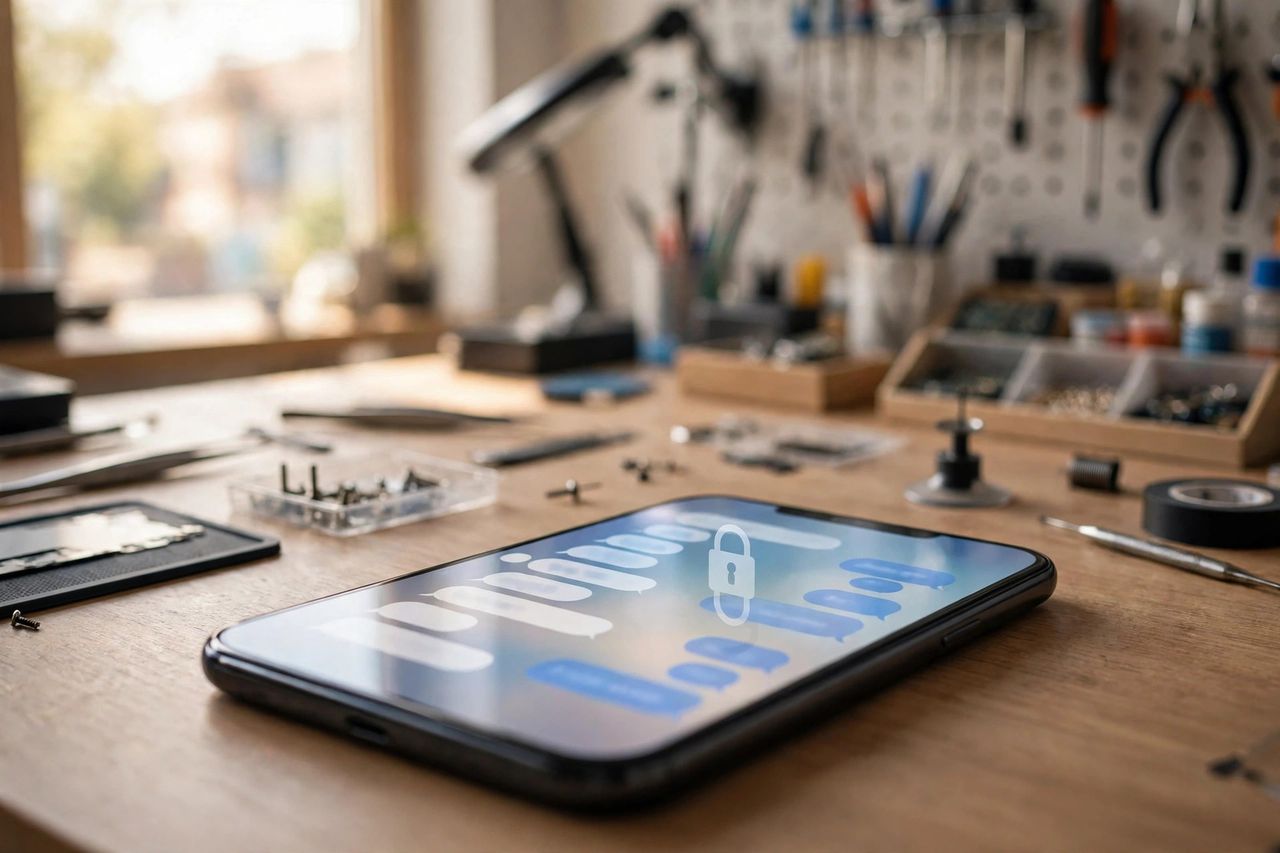
Your private chats were never meant to be read by anyone except the people in them. But the AI assistants now built into phones can read whatever is on your screen, including your encrypted messages. On Friday, Signal pushed back, blocking screenshots by default on iPhone and Android so built-in AI agents cannot lift your chats off the screen.
What Signal changed
Signal President Meredith Whittaker announced the change in a Signal blog post on November 20. On iPhone running iOS 27, screenshots are now blocked inside the Signal app by default, with a new setting called Block Siri AI. On Android, Signal automatically turns on its Screen Security feature when it detects an AI assistant trying to capture the screen. The protections cover the two assistants that matter most on phones: Apple's Siri with Onscreen Awareness, and Google's Gemini Intelligence.
Why AI agents can read your screen
Modern phone assistants help by reading what is on your screen to answer questions. That is handy for summarizing a web page, but a problem when the screen shows a private conversation. The assistant captures the screen, reads the text with optical character recognition, and the result can end up in a local database or on a remote server. Once that happens, the messages are outside Signal's control, even though they were encrypted in transit.
Whittaker put it plainly, calling this kind of data capture increasingly hostile to privacy and an existential threat to Signal's mission. The concern is not only the built-in assistants. Reuters reported this week that Meta's Muse agent read Signal messages through permissions granted during setup, reading notifications on Android and using accessibility permissions on Mac.
What the block does not cover
Signal is honest that this fix is incomplete. Blocking screenshots stops one route into your chats. It does not stop an agent from reaching content already stored on your device through the file system. It does not stop third-party agents that arrive with broad permissions. And it does not protect the other end: if the person you are talking to turns the protection off, an AI assistant on their phone can still read your messages.
There are gaps by platform too. On Android, Signal can only detect AI screen reading on some versions. On Mac, there is currently no reliable way to block screenshots at all, so Signal advises adding Signal to the excluded apps list under System Settings, then Siri.
What to check on your phone
First, update Signal. The new protections arrive with the latest updates to the iPhone and Android apps. Second, leave the protection on. You can turn it off in Settings, then Privacy, then App Security, but Signal warns that switching it off can expose your messages, and your contacts' messages, to AI agents.
Third, think about your other apps the same way. Any app showing private information on screen can be read by an assistant with screen access, so check which apps hold accessibility permissions and notification access, and remove anything you do not recognize.
Signal is also asking Apple, Google, and Microsoft for a documented way for developers to opt their apps out of AI data access, covering screen capture, files, notifications, and system interfaces. Until then, blocking screenshots is the strongest tool an app has. Privacy settings only help when they are on, so take a minute today to update Signal and check your assistant permissions. If your phone is acting strangely or an update will not install, bring it by our Escondido shop. We will take a look and give you an honest answer.
Related: Your Phone's Hidden Security Mode: Turn It On and iPhone Malware Hiding on Popular Websites